11주차 유니티 게임 프로그래밍
2024. 12. 10. 04:48ㆍ게임 프로그래밍/유니티 프로그래밍
반응형
실습1

실습2

2 - 1 - 4 - 5 - 3
실습3
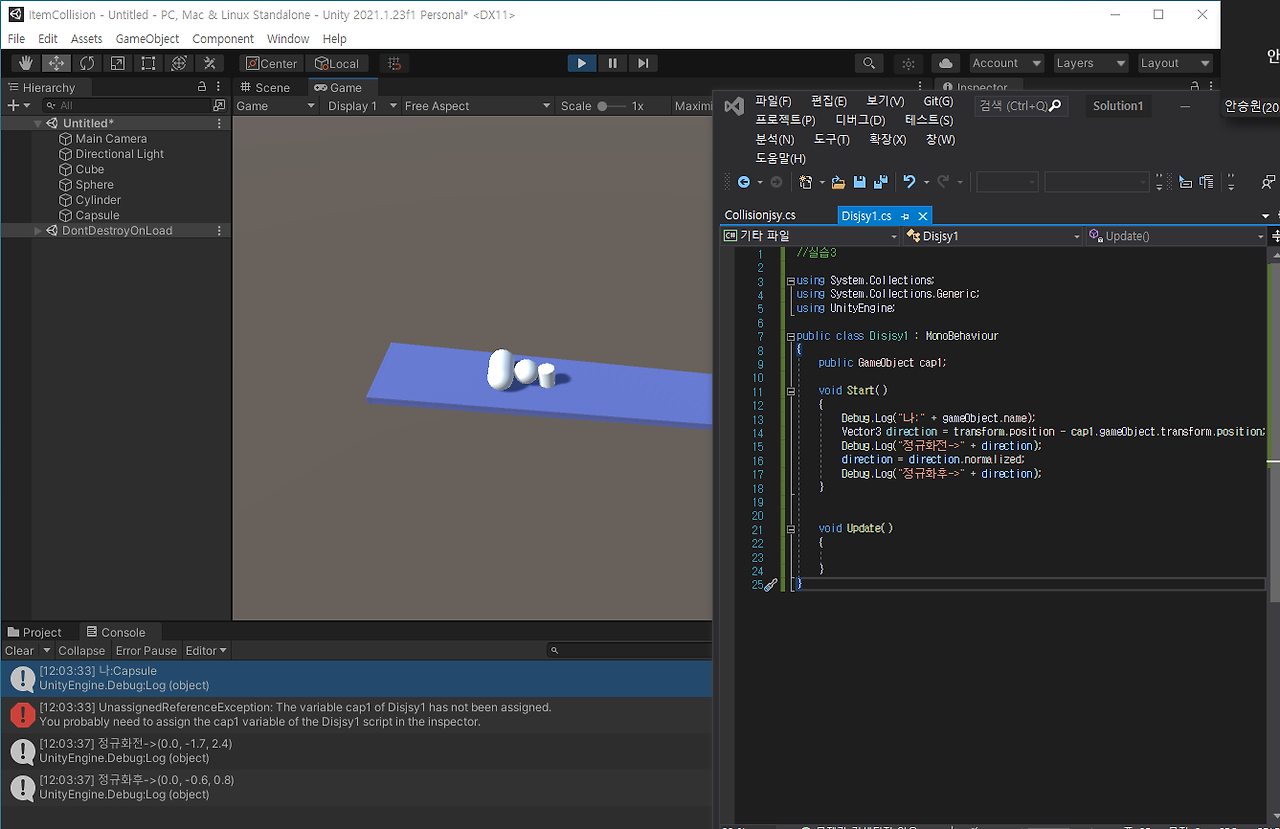
실습4
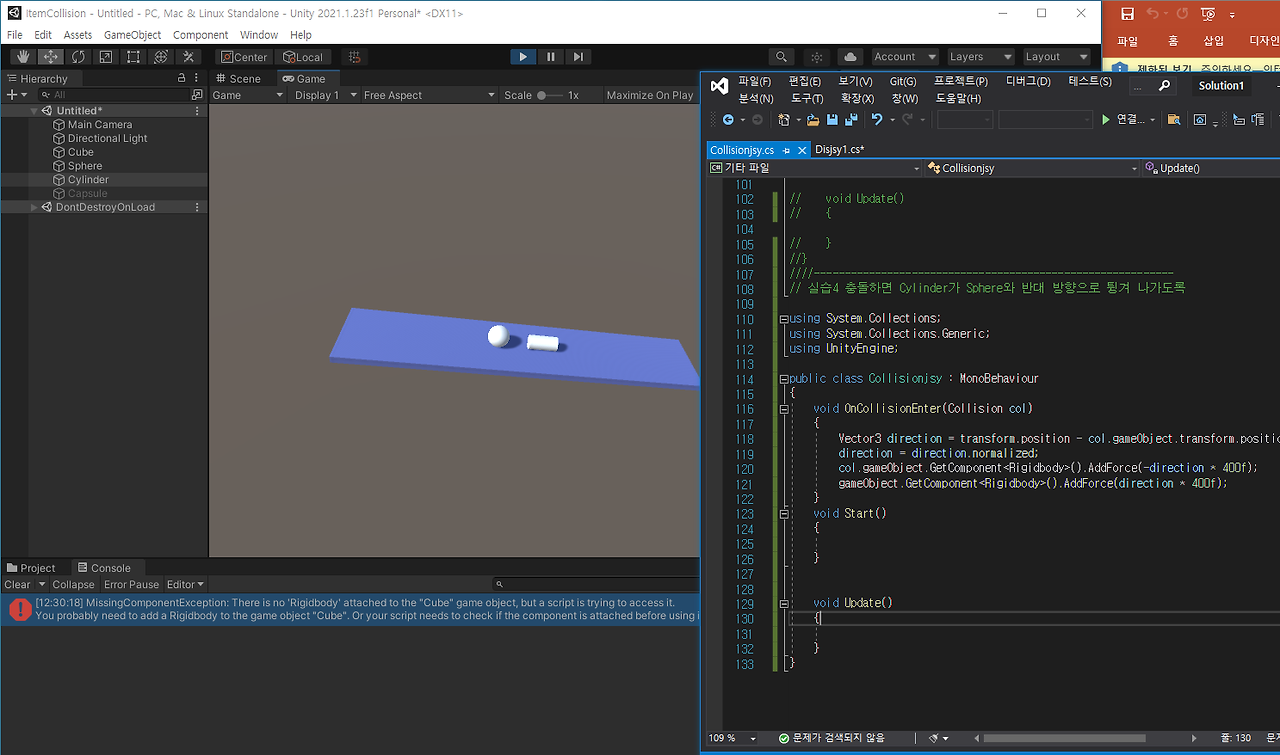
실습5

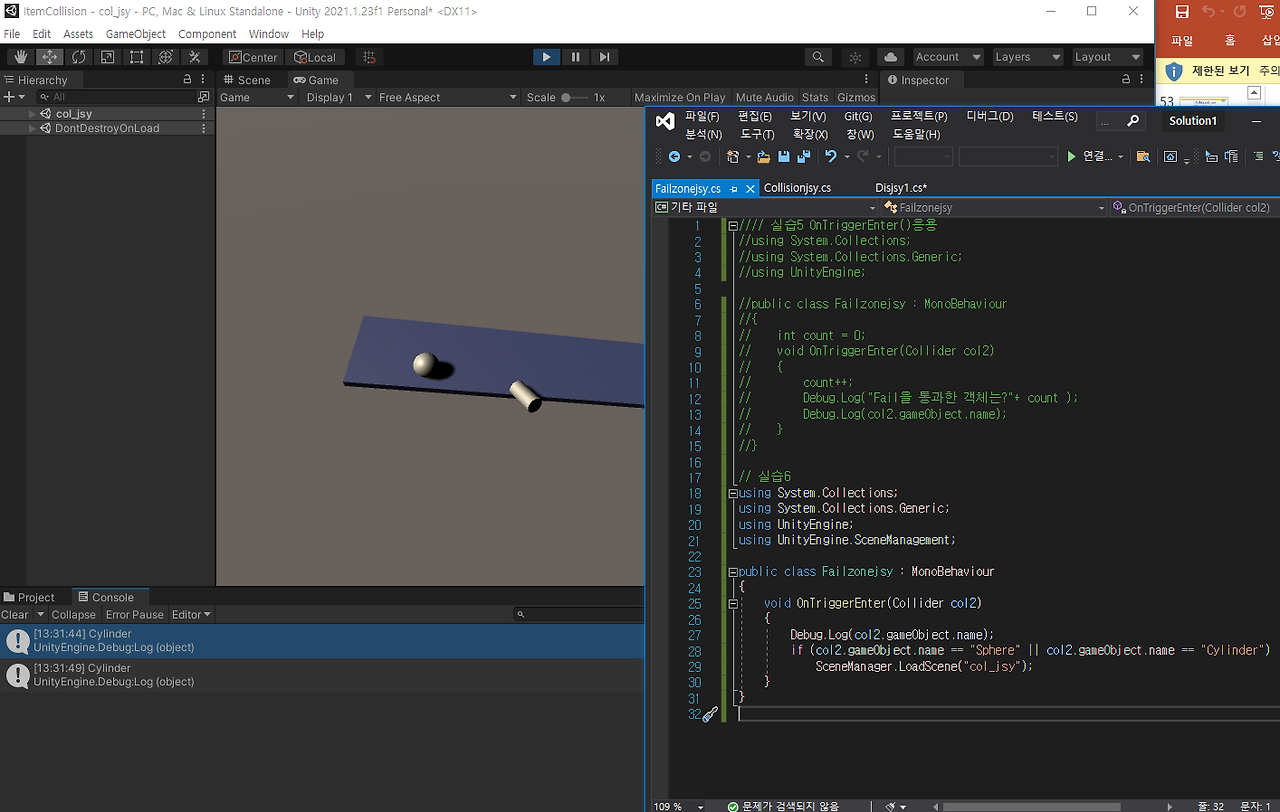
실습6
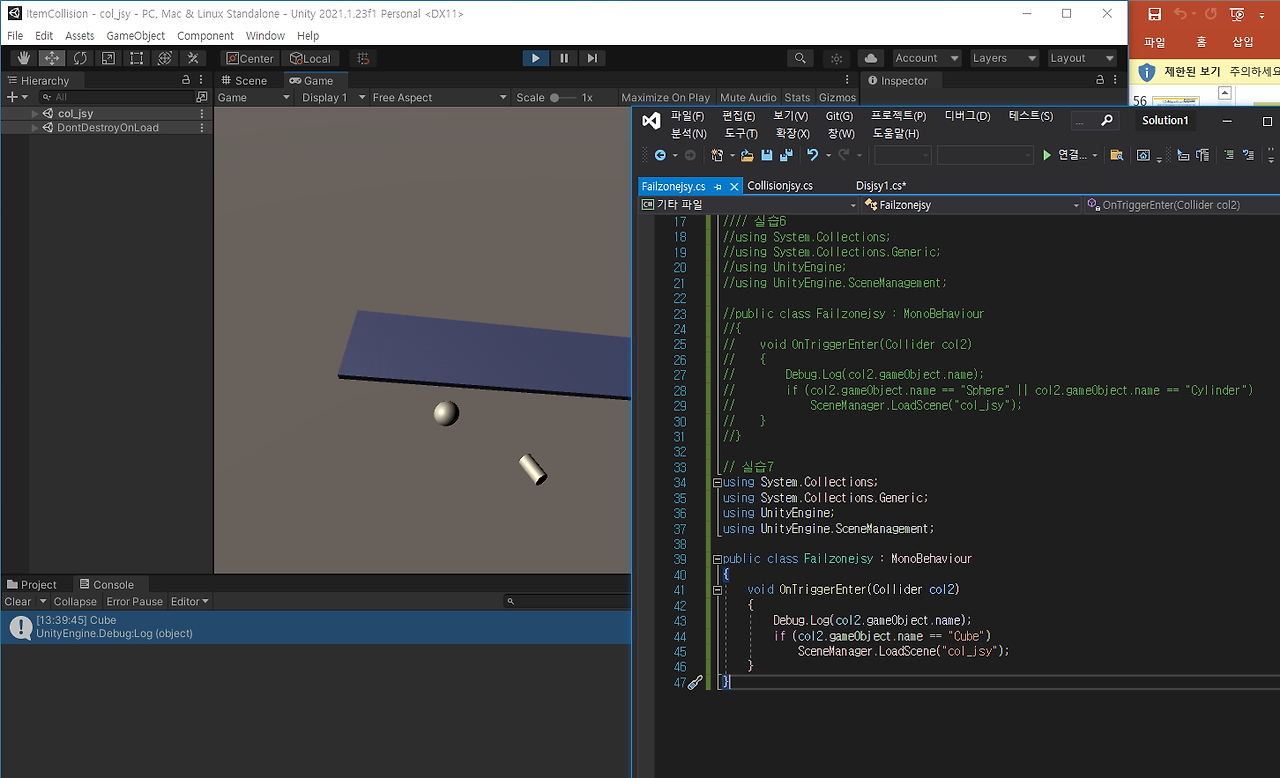
실습7
//Cylinder에 부착된 소스를 실행


using System.Collections;

using System.Collections.Generic;

using UnityEngine;


public class Collisionjsy : MonoBehaviour

{

    void OnCollisionEnter(Collision col)

    {

        Debug.Log("나:" + gameObject.name);

        Debug.Log("나와 충돌한 객체: " + col.gameObject.name);

    }

    void Start()

    {


    }


    void Update()

    {


    }

}


//---------------------------------------------------------------------------

// 실습1 공이 실린더와 충돌했을 경우 출력


using System.Collections;

using System.Collections.Generic;

using UnityEngine;


public class Collisionjsy : MonoBehaviour

{

    void OnCollisionEnter(Collision col)

    {

        Debug.Log("나:" + gameObject.name);

        if (col.gameObject.name == "Cylinder")

            Debug.Log("나와 충돌한 객체: " + col.gameObject.name);

    }

    void Start()

    {


    }


    void Update()

    {


    }

}


//ㅡㅡㅡㅡㅡㅡㅡㅡㅡㅡㅡㅡㅡㅡㅡㅡㅡㅡㅡㅡㅡㅡㅡㅡㅡㅡㅡㅡㅡㅡㅡㅡㅡㅡㅡ

// 실행순서

using System.Collections;

using System.Collections.Generic;

using UnityEngine;


public class Collisionjsy : MonoBehaviour

{

    void OnCollisionEnter(Collision col)

    {

        Debug.Log("나:" + gameObject.name);

        //    if (col.gameObject.name == "Cylinder")

        Debug.Log("나와 충돌한 객체: " + col.gameObject.name);

    }

    void Start()

    {


    }


    void Update()

    {


    }

}

//ㅡㅡㅡㅡㅡㅡㅡㅡㅡㅡㅡㅡㅡㅡㅡㅡㅡㅡㅡㅡㅡㅡㅡㅡㅡㅡㅡㅡㅡㅡㅡㅡㅡㅡㅡ

/ 충돌 시 반대방향으롷 튕기기 정규화 소스 추가

using System.Collections;

using System.Collections.Generic;

using UnityEngine;


public class Collisionjsy : MonoBehaviour

{

    void OnCollisionEnter(Collision col)

    {

        Vector3 direction = transform.position - col.gameObject.transform.position;

        Debug.Log("정규화전->" + direction);

        direction = direction.normalized;

        Debug.Log("정규화후->" + direction);

        col.gameObject.GetComponent<Rigidbody>().AddForce(-direction * 400f);

    }

    void Start()

    {


    }


    void Update()

    {


    }

}

//실습3


using System.Collections;

using System.Collections.Generic;

using UnityEngine;


public class Disjsy1 : MonoBehaviour

{

    public GameObject cap1;


    void Start()

    {

        Debug.Log("나:" + gameObject.name);

        Vector3 direction = transform.position - cap1.gameObject.transform.position;

        Debug.Log("정규화전->" + direction);

        direction = direction.normalized;

        Debug.Log("정규화후->" + direction);


    }


    void Update()

    {


    }

}

//ㅡㅡㅡㅡㅡㅡㅡㅡㅡㅡㅡㅡㅡㅡㅡㅡㅡㅡㅡㅡㅡㅡㅡㅡㅡㅡㅡ

// 충돌 시 반대방향으로 튕기기


using System.Collections;

using System.Collections.Generic;

using UnityEngine;


public class Disjsy1 : MonoBehaviour

{

    void OnCollisionEnter(Collision col)

    {

        Vector3 direction = transform.position - col.gameObject.transform.position;

        direction = direction.normalized * 1000;

        col.gameObject.GetComponent<Rigidbody>().Addforce(-direction * 0.5f);

    }

}


//ㅡㅡㅡㅡㅡㅡㅡㅡㅡㅡㅡㅡㅡㅡㅡㅡㅡㅡㅡㅡㅡㅡㅡㅡㅡㅡㅡ

// 실습4 충돌하면 Cylinder가 Sphere와 반대 방향으로 튕겨 나가도록


using System.Collections;

using System.Collections.Generic;

using UnityEngine;


public class Collisionjsy : MonoBehaviour

{

    void OnCollisionEnter(Collision col)

    {

        Vector3 direction = transform.position - col.gameObject.transform.position;

        direction = direction.normalized;

        col.gameObject.GetComponent<Rigidbody>().AddForce(-direction * 400f);

        gameObject.GetComponent<Rigidbody>().AddForce(direction * 400f);

    }

    void Start()

    {


    }


    void Update()

    {


    }

}

// 실습5 OnTriggerEnter()응용

using System.Collections;

using System.Collections.Generic;

using UnityEngine;


public class Failzonejsy : MonoBehaviour

{

    int count = 0;

    void OnTriggerEnter(Collider col2)

    {

        count++;

        Debug.Log("Fail을 통과한 객체는?" + count);

        Debug.Log(col2.gameObject.name);

    }

}


// 실습6

using System.Collections;

using System.Collections.Generic;

using UnityEngine;

using UnityEngine.SceneManagement;


public class Failzonejsy : MonoBehaviour

{

    void OnTriggerEnter(Collider col2)

    {

        Debug.Log(col2.gameObject.name);

        if (col2.gameObject.name == "Sphere" || col2.gameObject.name == "Cylinder")

            SceneManager.LoadScene("col_jsy");

    }

}


// 실습7

using System.Collections;

using System.Collections.Generic;

using UnityEngine;

using UnityEngine.SceneManagement;


public class Failzonejsy : MonoBehaviour

{

    void OnTriggerEnter(Collider col2)

    {

        Debug.Log(col2.gameObject.name);

        if (col2.gameObject.name == "Cube")

            SceneManager.LoadScene("col_jsy");

    }

}'게임 프로그래밍 > 유니티 프로그래밍' 카테고리의 다른 글
| 13주차 유니티 게임 프로그래밍 (0) | 2024.12.10 |
|---|---|
| 12주차 유니티 게임프로그래밍 (0) | 2024.12.10 |
| 10주차 유니티 게임프로그래밍 (0) | 2024.12.10 |
| 9주차 유니티 게임 프로그래밍 (0) | 2024.12.10 |
| 유니티 7주차 수업 내용 및 코드 (0) | 2024.10.16 |