spring ai 10일차 / 다중 llm, springai5
2026. 5. 20. 19:20ㆍ대우개발원 수업 내용/spring기반 ai
반응형
service 패키지 추가
MultiModelService 클래스 추가
더보기
package com.example.springai5.service;

import com.example.springai5.config.MultiModelConfig;
import com.example.springai5.model.ModelResponse;
import com.example.springai5.model.ModelType;
import org.springframework.ai.chat.client.ChatClient;
import org.springframework.ai.ollama.OllamaChatModel;
import org.springframework.ai.openai.OpenAiChatModel;
import org.springframework.beans.factory.annotation.Qualifier;
import org.springframework.stereotype.Service;

@Service
public class MultiModelService {
    private final ChatClient openAiChatClient;
    public final ChatClient llamaChatClient;
    public final ChatClient gemmaChatClient;
    public final OpenAiChatModel openAiChatModel;
    public final OllamaChatModel llamaChatModel;
    public final OllamaChatModel gemmaChatModel;
    public final MultiModelConfig multiModelConfig;

    public MultiModelService(
            @Qualifier("openAiChatClient") ChatClient openAiChatClient ,
            @Qualifier("llamaChatClient") ChatClient llamaChatClient,
            @Qualifier("gemmaChatClient") ChatClient gemmaChatClient,
            @Qualifier("openAiChatModel") OpenAiChatModel openAiChatModel,
            @Qualifier("llamaChatModel") OllamaChatModel llamaChatModel,
            @Qualifier("gemmaChatModel") OllamaChatModel gemmaChatModel,
            MultiModelConfig multiModelConfig) {
        this.openAiChatClient = openAiChatClient;
        this.llamaChatClient = llamaChatClient;
        this.gemmaChatClient = gemmaChatClient;
        this.openAiChatModel = openAiChatModel;
        this.llamaChatModel = llamaChatModel;
        this.gemmaChatModel = gemmaChatModel;
        this.multiModelConfig = multiModelConfig;
    }

    // 모델 타입에 맞는 ChatClient 반환
    private  ChatClient resolveChatClient(ModelType modelType) {
        return switch (modelType) {
            case OPENAI ->  openAiChatClient;
            case LLAMA ->  llamaChatClient;
            case GEMMA ->  this.gemmaChatClient;
        };
    }
    // 특정 모델에게 질문을 보내고 응답을 받는 메서드
    public ModelResponse ask(ModelType modelType, String prompt) {
        // 모델 타입에 맞는 ChatClient 선택
        ChatClient chatClient = resolveChatClient(modelType);
        //AI 모델 호출
        String answer = chatClient.prompt()
                .user(prompt)
                .call()
                .content();

        // 모델 타입 + 응답 내용을 ModelResponse 객체로 반환
        return new ModelResponse(modelType, answer);
    }
}
controller 패키지 추가
ViewController 클래스 추가
더보기
package com.example.springai5.controller;

import com.example.springai5.model.ModelResponse;
import com.example.springai5.model.ModelType;
import com.example.springai5.service.MultiModelService;
import jakarta.validation.constraints.NotBlank;
//import org.springframework.ai.model.Model;
import org.springframework.stereotype.Controller;
import org.springframework.ui.Model;
import org.springframework.web.bind.annotation.GetMapping;
import org.springframework.web.bind.annotation.ModelAttribute;
import org.springframework.web.bind.annotation.PostMapping;

@Controller
public class ViewController {
    public record SelectForm(ModelType modelType, @NotBlank String prompt) {}
    public record PromptForm(@NotBlank String prompt) {}
    public record MissionForm(@NotBlank String mission) {}

    private final MultiModelService multiModelService;
    public ViewController(MultiModelService multiModelService) {
        this.multiModelService = multiModelService;
    }
    // 요청 파라미터, URI 경로 변수 및 요청 헤더를 모델 객체에 바인딩
    @ModelAttribute("modelTypes")
    public ModelType[] getModelTypes() { return ModelType.values(); }

    @GetMapping("/")
    public String home(Model model) {
        model.addAttribute("title", "springai5 - 다중 LLM 테스트" );
        return "index";
    }

    @GetMapping("/select")
    public String selectPage(Model model) {
        model.addAttribute("menu", "select");
        model.addAttribute("selectedModel", ModelType.OPENAI);
        model.addAttribute("prompt", "한국의 봄 여행지 3곳을 추천해줘");
        return "select";
    }

    @PostMapping("/select")
    public String selectSubmit(@ModelAttribute SelectForm form, Model model) {
        model.addAttribute("menu", "select");
        model.addAttribute("selectedModel", form.modelType());
        model.addAttribute("prompt", form.prompt());
        ModelResponse result = multiModelService.ask(form.modelType(), form.prompt());
        model.addAttribute("result", result);
        return "result";
    }
}

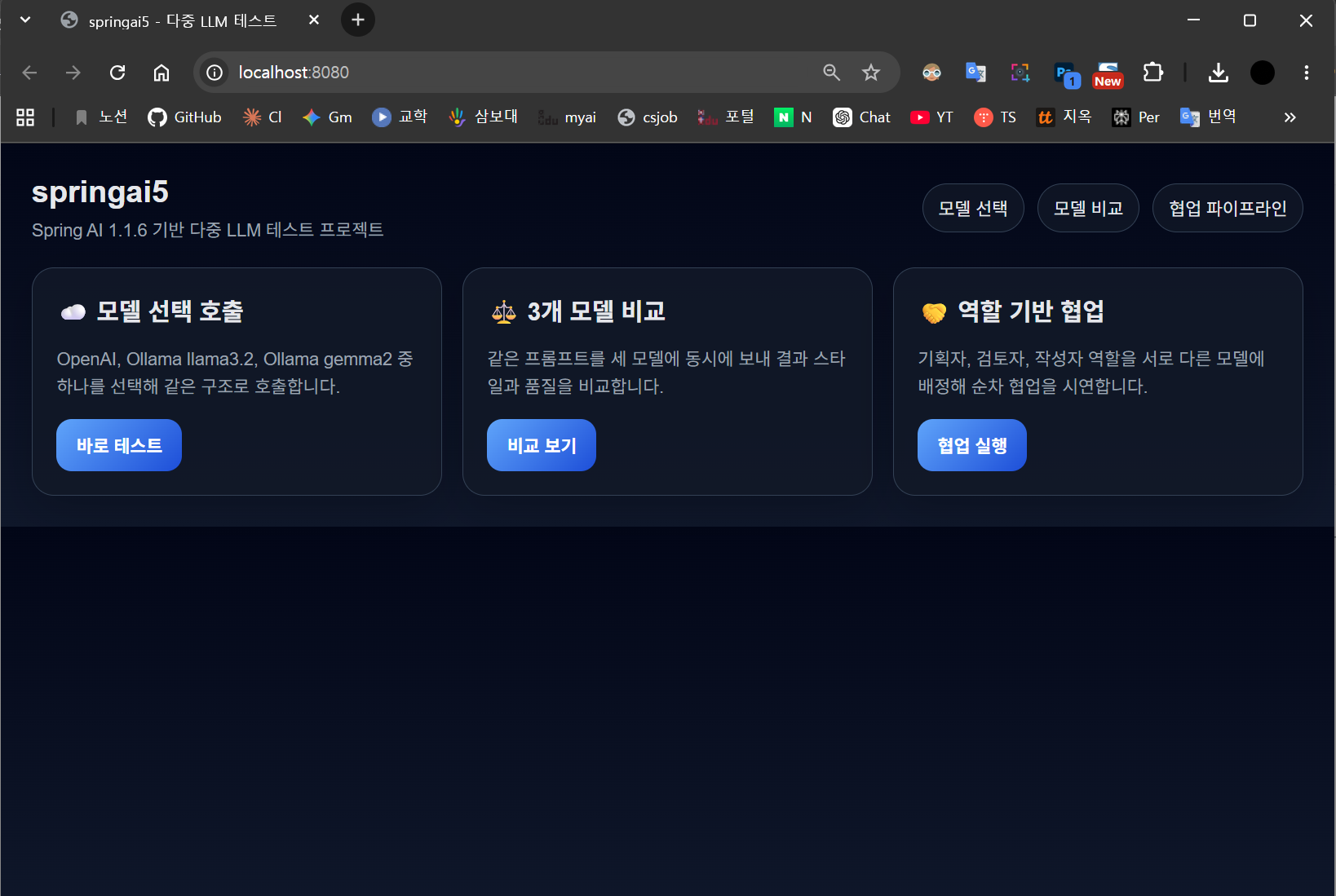
static 안에 css 폴더 만들고 사진과 같이 style.css파일과 index.html, select.html파일 넣기
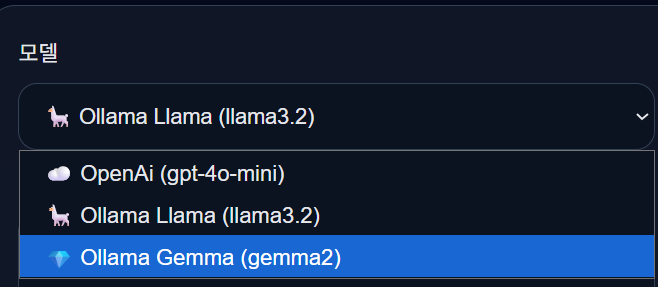
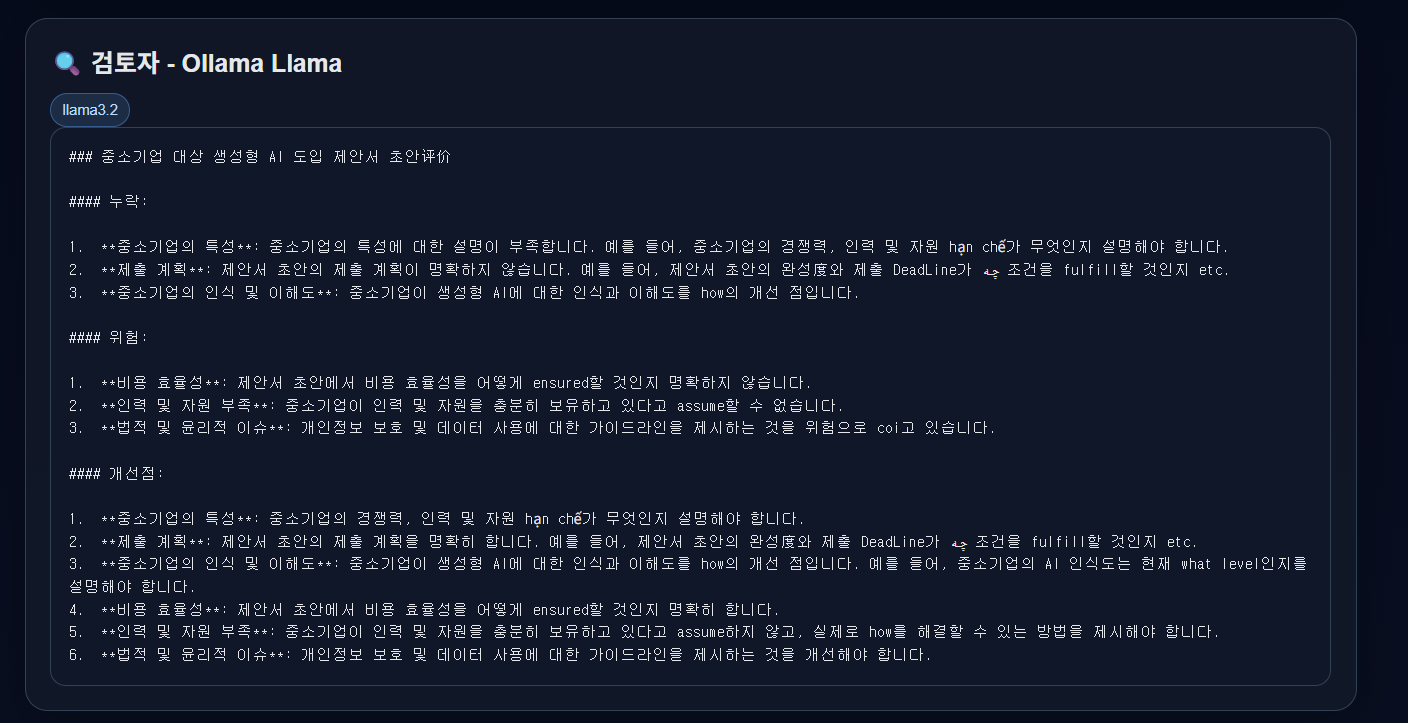
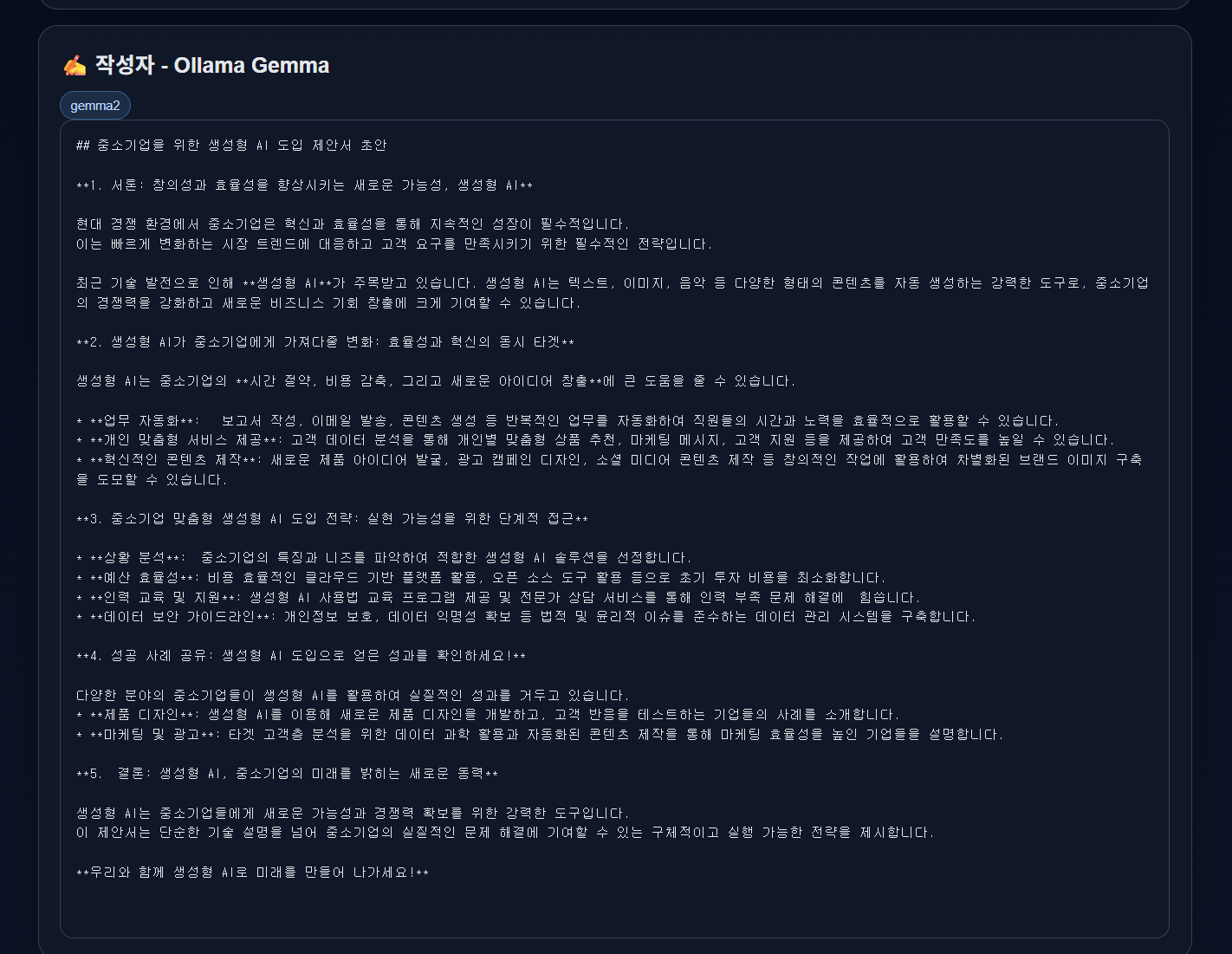
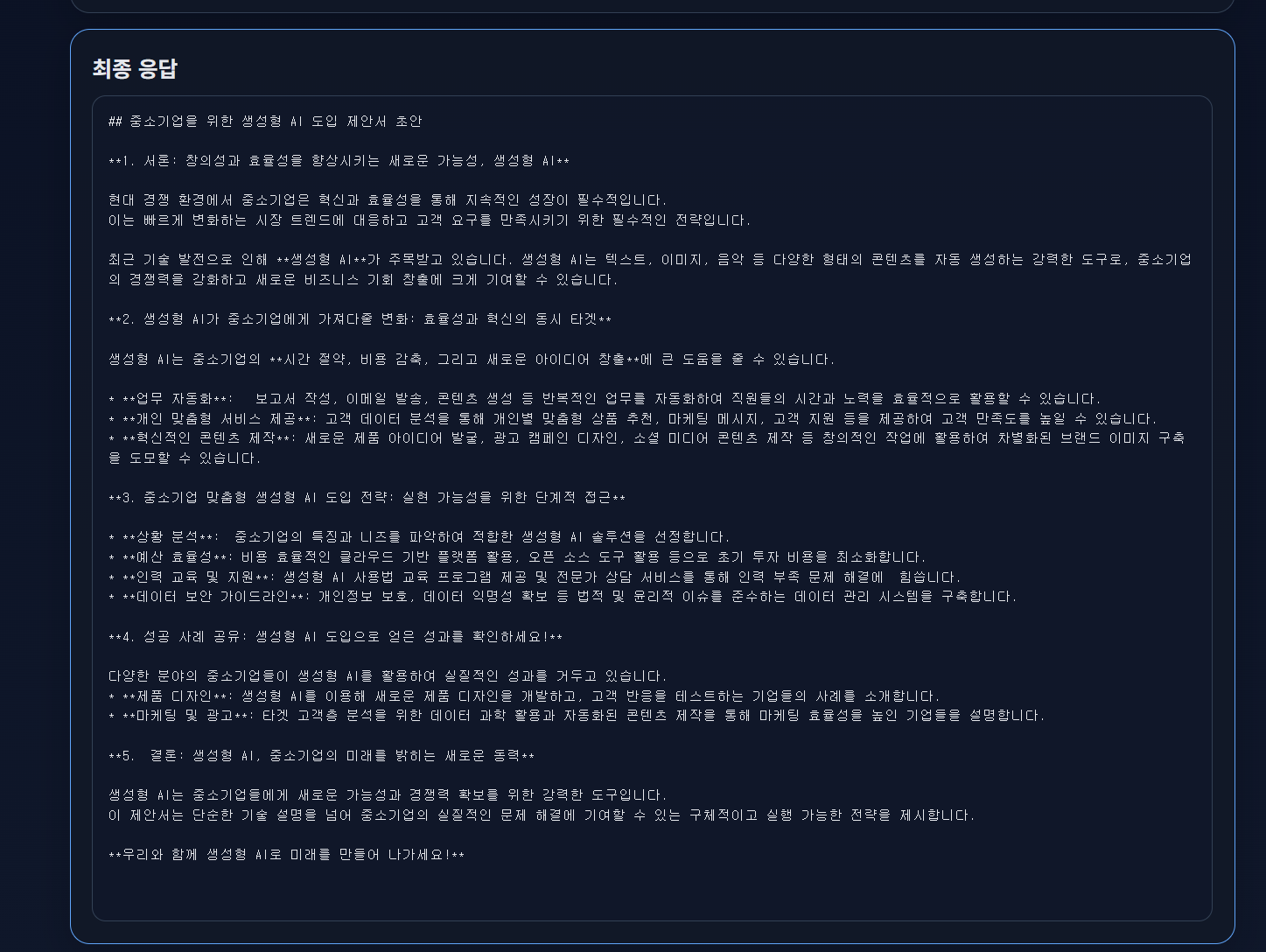
실행하면


'대우개발원 수업 내용 > spring기반 ai' 카테고리의 다른 글
| spring airag 2일차 / Rag, springairag1,springairag2 (0) | 2026.05.24 |
|---|---|
| spring airag 1일차 / Rag, springairag1 (0) | 2026.05.21 |
| spring ai 9일차 / 다중 llm, springai5 (0) | 2026.05.19 |
| spring ai 6,7,8일차 / , springai4 (0) | 2026.05.18 |
| spring ai 5일차 / springaigroq groq, springai1 (0) | 2026.05.12 |