2026. 5. 11. 20:00ㆍ대우개발원 수업 내용/spring기반 ai
gorq api키 생성


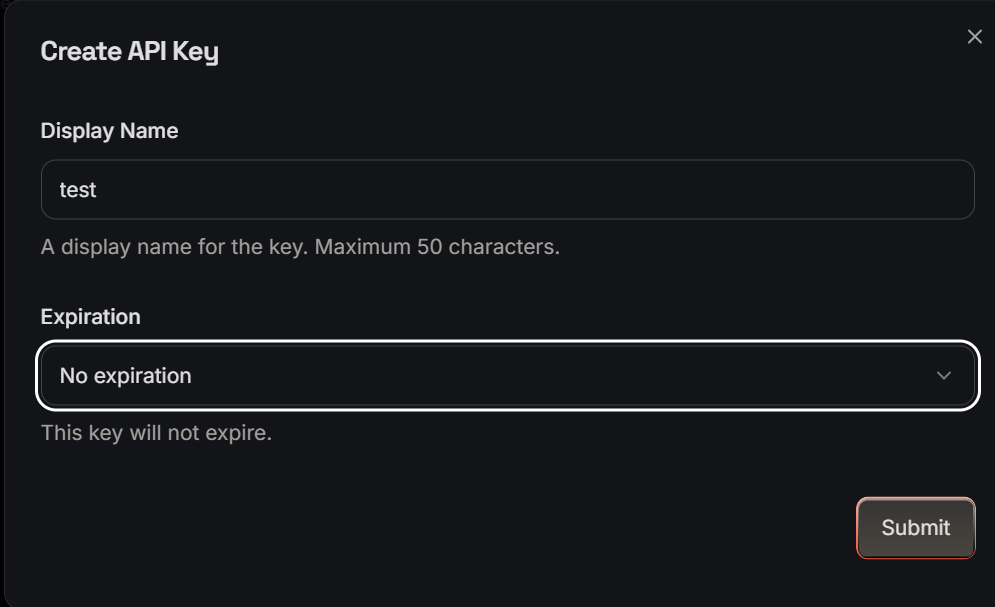
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
프로젝트 생성
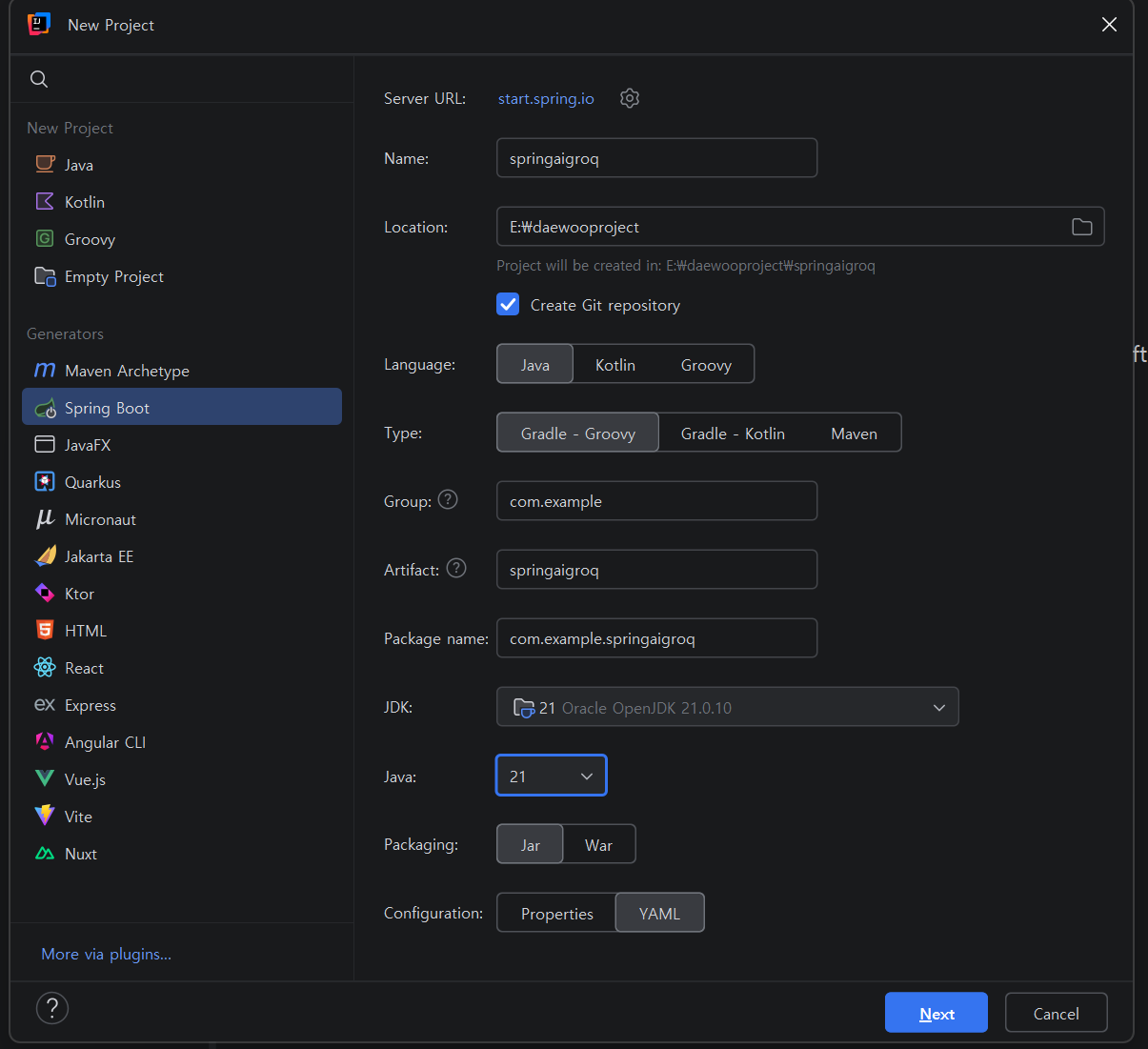

1.1.5에서 1.1.6으로 업그레이드가 되었기때문에 코드를 확인(ollama 프로젝트에서는 1.1.5사용)
ext {
    set('springAiVersion', "1.1.6")
}
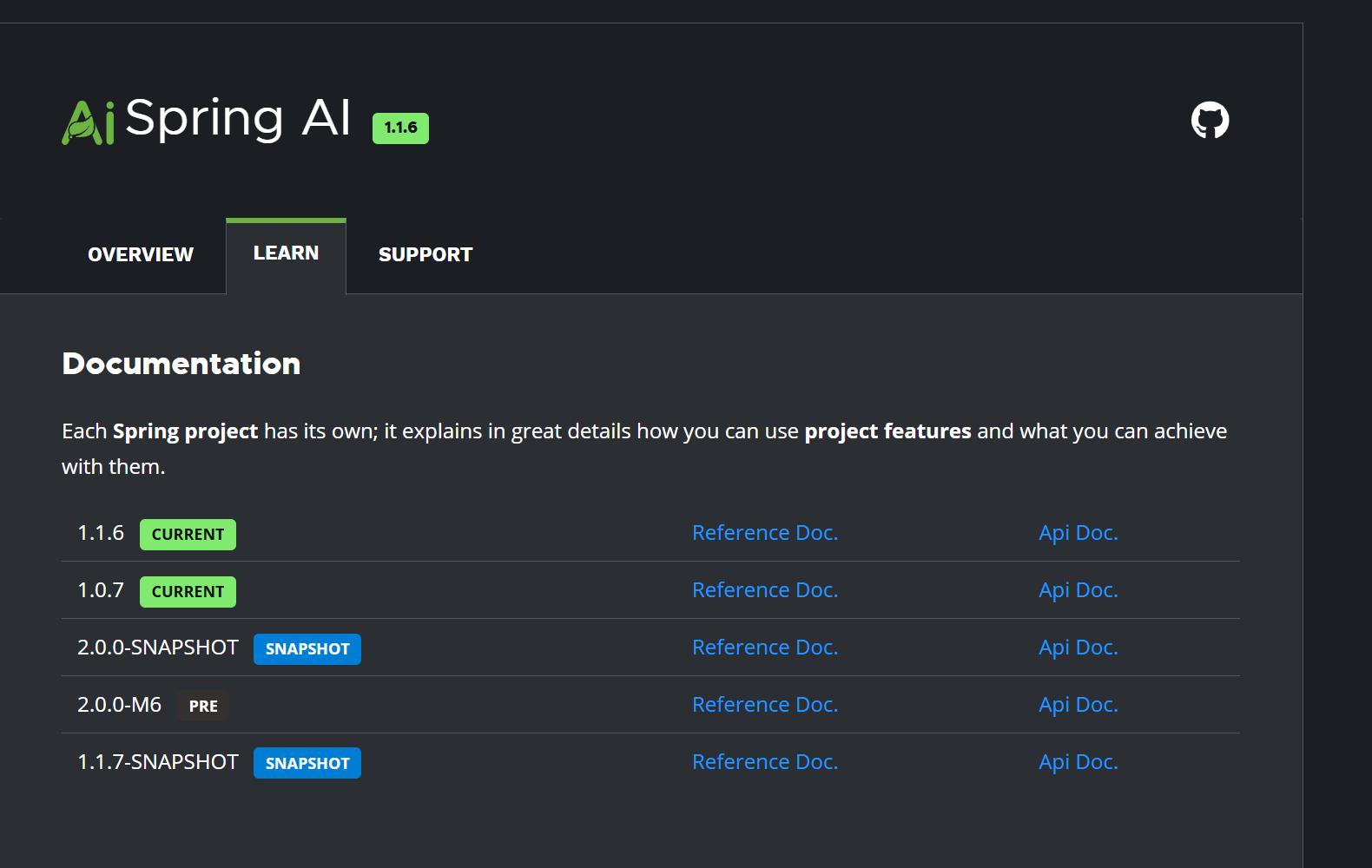
확인 후 문제 없음
application.yaml 코드 작성
api키는 제외하고 작성
spring:
  application:
    name: springaigroq
  ai:
    openai:
      api-key: ${OPENAI_API_KEY}
  # Groq 설정
groq:
  api-key: ${GROQ_API_KEY}
controller 패키지와
SimpleChatController 클래스 생성

package com.example.springaigroq.controller;

import org.springframework.ai.chat.model.ChatModel;
import org.springframework.ai.openai.OpenAiChatModel;
import org.springframework.ai.openai.OpenAiChatOptions;
import org.springframework.ai.openai.api.OpenAiApi;
import org.springframework.beans.factory.annotation.Value;
import org.springframework.web.bind.annotation.GetMapping;
import org.springframework.web.bind.annotation.RequestMapping;
import org.springframework.web.bind.annotation.RequestParam;
import org.springframework.web.bind.annotation.RestController;

@RestController
@RequestMapping("/chat")

public class SimpleChatController {
    private final ChatModel openaiModel;
    private final ChatModel groqModel;
    public SimpleChatController(ChatModel openaiModel, // Spring ai가 자동으로 주입
                                @Value("${groq.api-key}") String groqApikey){
        this.openaiModel = openaiModel;

        OpenAiApi groqApi = OpenAiApi.builder()
                .baseUrl("https://api.groq.com/openai")
                .apiKey(groqApikey)
                .build();

        OpenAiChatOptions chatOptions = OpenAiChatOptions.builder()
                .model("llama-3.3-70b-versatile")
                .temperature(0.7)
                .build();

        groqModel = OpenAiChatModel.builder()
                .openAiApi(groqApi)
                .defaultOptions(chatOptions)
                .build();
    }
    @GetMapping("/openai")
    public String chatOpenAi(@RequestParam String message){
        return openaiModel.call(message);
    }

    @GetMapping("/groq")
    public String chatGroq(@RequestParam String message){
        return groqModel.call(message);
    }

    @GetMapping("/test")
    public String Test(){
        return "Spring Ai 연동 성공!";
    }
}
실행결과
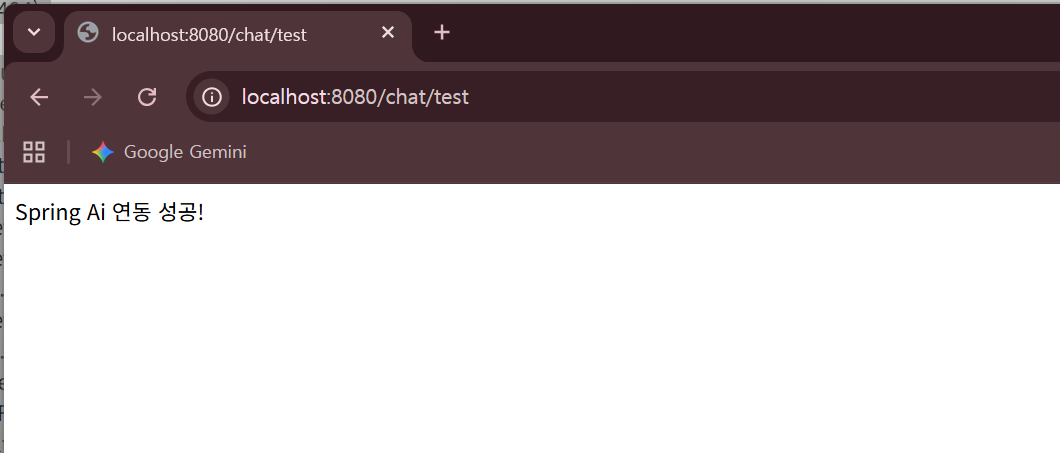

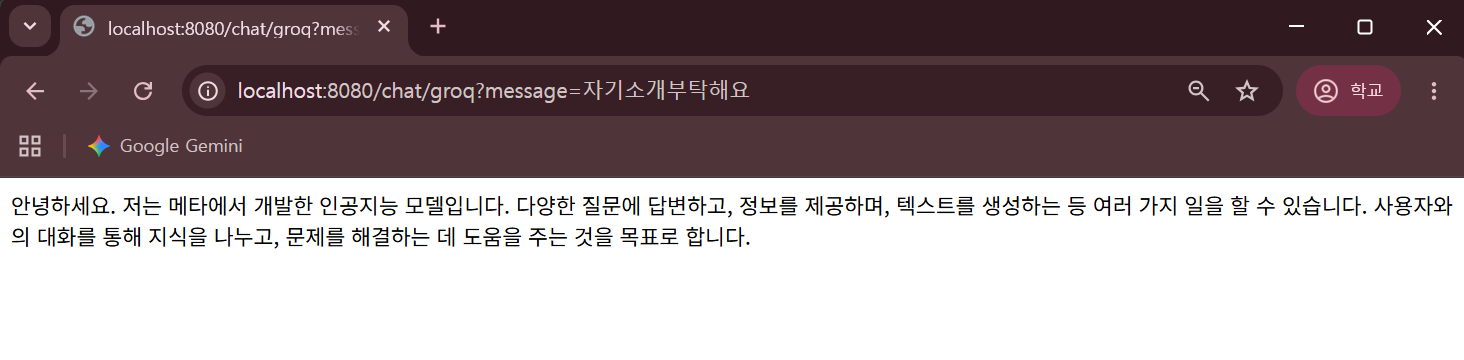

(띄어 쓰기는 경로에 %로 표시)
ai로 답변된 것을 확인 할 수 있다.
springai1
h2를 사용
프로젝트 생성

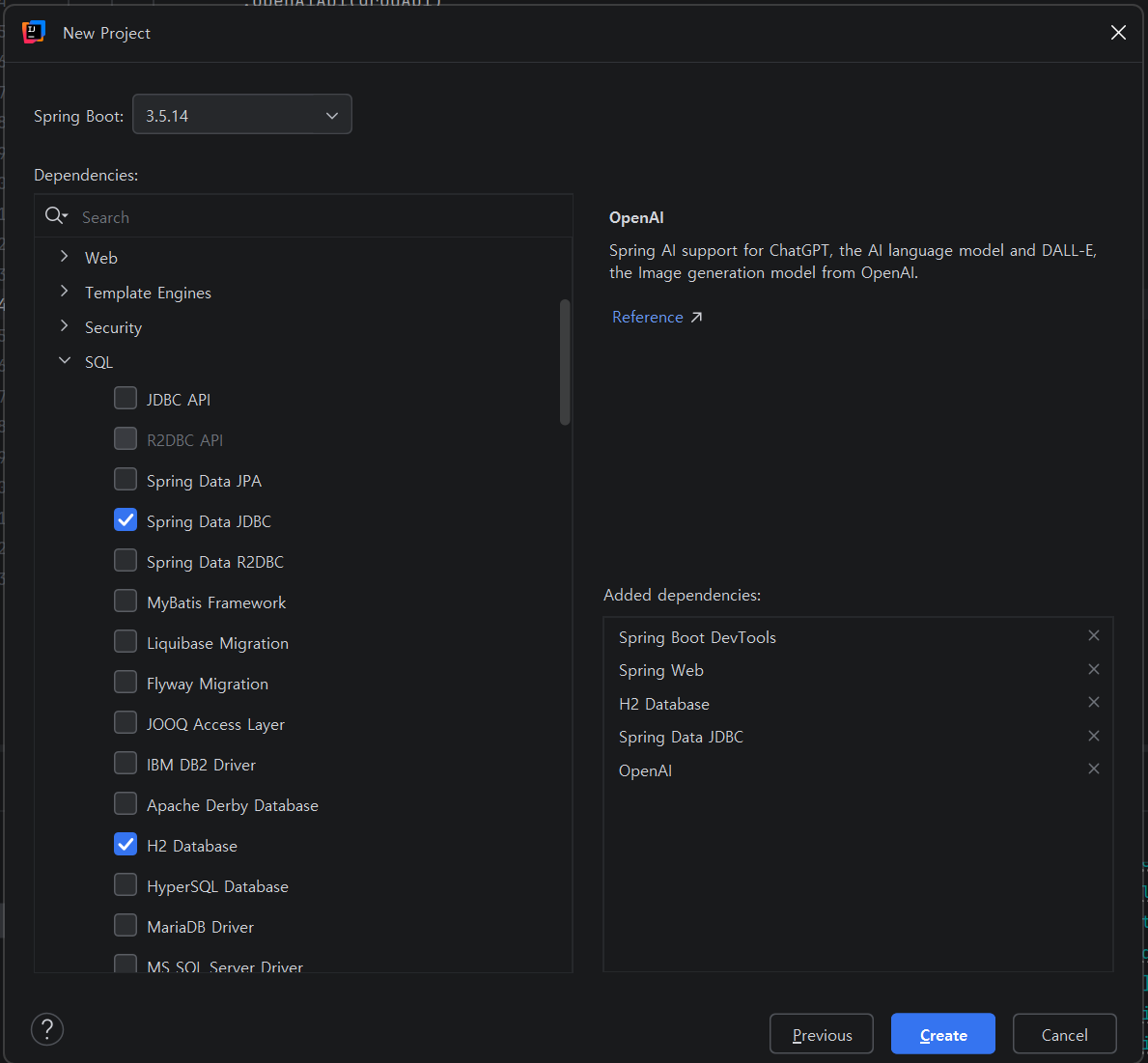
[H2 DB : In-Memory Mode]
H2 메모리 모드(In-Memory Mode)는 데이터베이스를 디스크가 아닌 JVM 힙 메모리상에서 운영하는 방식.
애플리케이션 실행 시 함께 구동되며, 종료 시 데이터가 휘발되어 테스트, 개발 환경,
프로토타이핑용으로 최적화된 매우 빠른 속도의 내장형 데이터베이스 모드.
핵심 특징 및 설정 정보
• 휘발성: 애플리케이션이 종료되거나 재시작되면 저장된 모든 데이터가 삭제됩니다.
• 속도: 디스크 I/O가 없기 때문에 일반 파일 기반 데이터베이스보다 훨씬 빠릅니다.
• 설정 방법: JDBC URL을 jdbc:h2:mem:testdb와 같이 mem: 접두사를 사용하여 설정.
• 용도: 단위 테스트, 빠른 프로토타이핑, 일시적인 데이터 저장
application.yaml
api키는 제외하고 작성
spring:
  application:
    name: springai1
  # H2 데이터베이스의 콘솔을 활성화하기 위한 설정
  # 이를 통해 브라우저에서 H2 콘솔에 접근할 수 있음
  h2:
    console:
      enabled: true
      # 데이터베이스 접속 URL
      # 여기서는 H2 데이터베이스의 메모리 모드를 사용
  datasource:
    url: jdbc:h2:mem:testdb
    # 데이터베이스의 드라이버 클래스
    # 여기서는 H2 데이터베이스의 드라이버를 지정
    driver-class-name: org.h2.Driver
    # 데이터베이스 접속 시 사용자 이름
    username: test
    # 데이터베이스 접속 시 비밀번호. 여기서는 비밀번호를 설정하지 않음.
    password:

ai:
  openai: # build.gradle에 dependency 셋 맞춰서
    api-key:
    chat:
      options:
        model: 'gpt-4o-mini'

servlet:
  multipart: # 파일업로드 설정
    max-file-size: 10MB
    max-request-size: 10MB
Springai1Application 코드 수정
package com.example.springai1;


import org.springframework.ai.chat.model.ChatModel;
import org.springframework.boot.CommandLineRunner;
import org.springframework.boot.SpringApplication;
import org.springframework.boot.autoconfigure.SpringBootApplication;
import org.springframework.context.annotation.Bean;

@SpringBootApplication
public class Springai1Application {

    public static void main(String[] args) {
        SpringApplication.run(Springai1Application.class, args);
    }

    @Bean
    public CommandLineRunner runner(ChatModel model) {
        System.out.println("초기화 과정에서 자동으로 생성된 ChatModel 객체" + model);
        return args -> {
            String response = model.call("스티브잡스의 명언을 세개 알려줘");
            System.out.println("[결과] " + response);
            System.out.println("[결과] " + model.call("네 이름을 알려줘"));
        };
    }


}
ChatController 클래스 생성

package com.example.springai1.controller;

import org.springframework.ai.chat.client.ChatClient;
import org.springframework.web.bind.annotation.GetMapping;
import org.springframework.web.bind.annotation.RequestMapping;
import org.springframework.web.bind.annotation.RequestParam;
import org.springframework.web.bind.annotation.RestController;

@RestController
@RequestMapping("/chat")
public class ChatController {
    private final ChatClient chatClient;

    public ChatController(ChatClient.Builder builder){

        System.out.println(builder);
        chatClient = builder.build();
        System.out.println(chatClient);
    }

    @GetMapping()
    public  String chat(@RequestParam(name = "q") String question){
//http://localhost:8080/chat?q=무지개를구성하는칼라를알려줘
        return chatClient.prompt()
                .user(question)
                .call()
                .content();
    }
}
http://localhost:8080/chat?q=너는 누구니?
http://localhost:8080/chat?q=나는 너의 이름이 궁금해
http://localhost:8080/chat/hello?name=이정은
http://localhost:8080/dummy
http://localhost:8080/imgGen?q=귀여운 고양이
http://localhost:8080/imgGen?q=귀여운 강아지 3마리
http://localhost:8080/sql?q=모든 서적의 정보를 알려줘
http://localhost:8080/sql?q=박해선이 집필한 서적의 제목을 알려줘
http://localhost:8080/date/ko
http://localhost:8080/news
http://localhost:8080/vision
입력 후 가능한것을 확인
imageController 생성
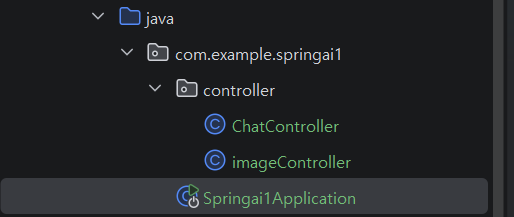
package com.example.springai1.controller;

import org.springframework.ai.image.*;
import org.springframework.stereotype.Controller;
import org.springframework.web.bind.annotation.GetMapping;
import org.springframework.web.bind.annotation.RequestParam;

@Controller

public class imageController {
    // 이미지 생성 모델 객체(스프링이 주입)
    private final ImageModel imageModel;
    // 생성자 주입
    public imageController(ImageModel imageModel) {
        this.imageModel = imageModel;
    }

    // GET 요청 처리: /imgGen?q=이미지 요청 내용
    @GetMapping("/imgGen")
    public String generateImage(@RequestParam(name = "q") String request) {
        System.out.println("이미지 생성중");
        ImageOptions options = ImageOptionsBuilder.builder()
                .model("dall-e-3")
                .width(1024)
                .height(1024)
                .build();
        // 사용자 요청(request) + 옵션을 포함한 프롬포트 생성
        ImagePrompt prompt = new ImagePrompt(request, options);
        // AI 모델 호출 -> 이미지 생성 요청
        ImageResponse response = imageModel.call(prompt);
        // 생성된 이미지 URL 추출
        String imageUrl = response.getResult().getOutput().getUrl();
        // 생성된 이미지 URL 출력
        System.out.println(imageUrl);
        // 해당 이미지 URL로 리다이렉트(브라우저에서 이미지 바로 표시)
        return "redirect:" + imageUrl;
    }
}
/imgGen?q=고양이로 실행하면

dto 패키지를 생성후
User record 생성

User
package com.example.springai1.dto;

public record User(String name, int age, String email, String phone, String address) {
}
DummyController 클래스 생성
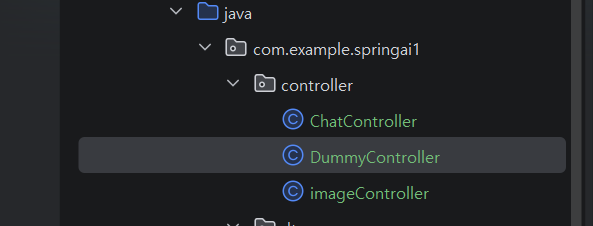
package com.example.springai1.controller;

import com.example.springai1.dto.User;
import org.springframework.ai.chat.client.ChatClient;
import org.springframework.core.ParameterizedTypeReference;
import org.springframework.web.bind.annotation.GetMapping;
import org.springframework.web.bind.annotation.RequestMapping;
import org.springframework.web.bind.annotation.RestController;

import java.util.List;

@RestController
@RequestMapping("/dummy")
public class DummyController {
    private final ChatClient chatClient;
    public DummyController(ChatClient.Builder builder) {
        this.chatClient = builder.build();
    }

    @GetMapping
    public List<User> dummy() {
        return chatClient.prompt()
                .user("더미 데이터를 10개 생성해줘")
                .call()
                .entity(new ParameterizedTypeReference<>(){});

    }
}
실행하면
http://localhost:8080/dummy

더미데이터가 생성된다
ChatController 코드 수정
@GetMapping("/hello")
public String chatWithTemplate(@RequestParam(name = "name") String name){
    // 프롬프트를 보낼때 효율적으로 구성, 템플릿 형태로 모델에 전달
    PromptTemplate promptTemplate = new PromptTemplate("안녕? 내 이름은 {name}이야");
    Prompt prompt = promptTemplate.create(Map.of("name", name));
    return chatClient.prompt(prompt)
            .call()
            .content();
}
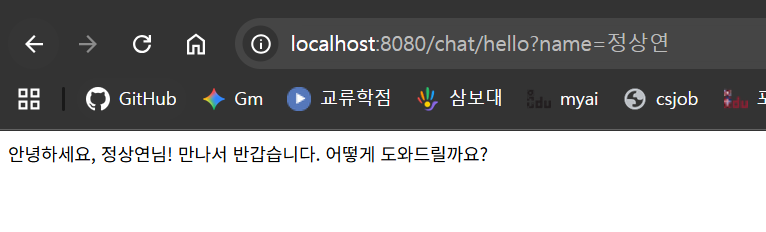
실행하면
http://localhost:8080/chat/hello?name=정상연
/chat?q=내이름을 기억해?

h2 데이터베이스를 사용해서
이름을 기억하지 못하는것을 확인
'대우개발원 수업 내용 > spring기반 ai' 카테고리의 다른 글
| spring ai 9일차 / 다중 llm, springai5 (0) | 2026.05.19 |
|---|---|
| spring ai 6,7,8일차 / , springai4 (0) | 2026.05.18 |
| spring ai 5일차 / springaigroq groq, springai1 (0) | 2026.05.12 |
| spring ai 2일차 / springaiollama (1) | 2026.05.07 |
| spring ai 1일차 / springai00 멀티 모델 통합 챗봇 환경 구축 (0) | 2026.05.06 |